Schedule and handle a callback
A callback (terugbelafspraak) is a "call this client back at this time" task. It's a lightweight task type that shows up in your My Work queue and on the client's 360° view, so nothing falls through the cracks after a missed call.
Goal
Schedule a callback on a client, then pick it up from your queue and mark it done.
Prerequisites
- The client already exists.
Steps
1. Open the client's detail page
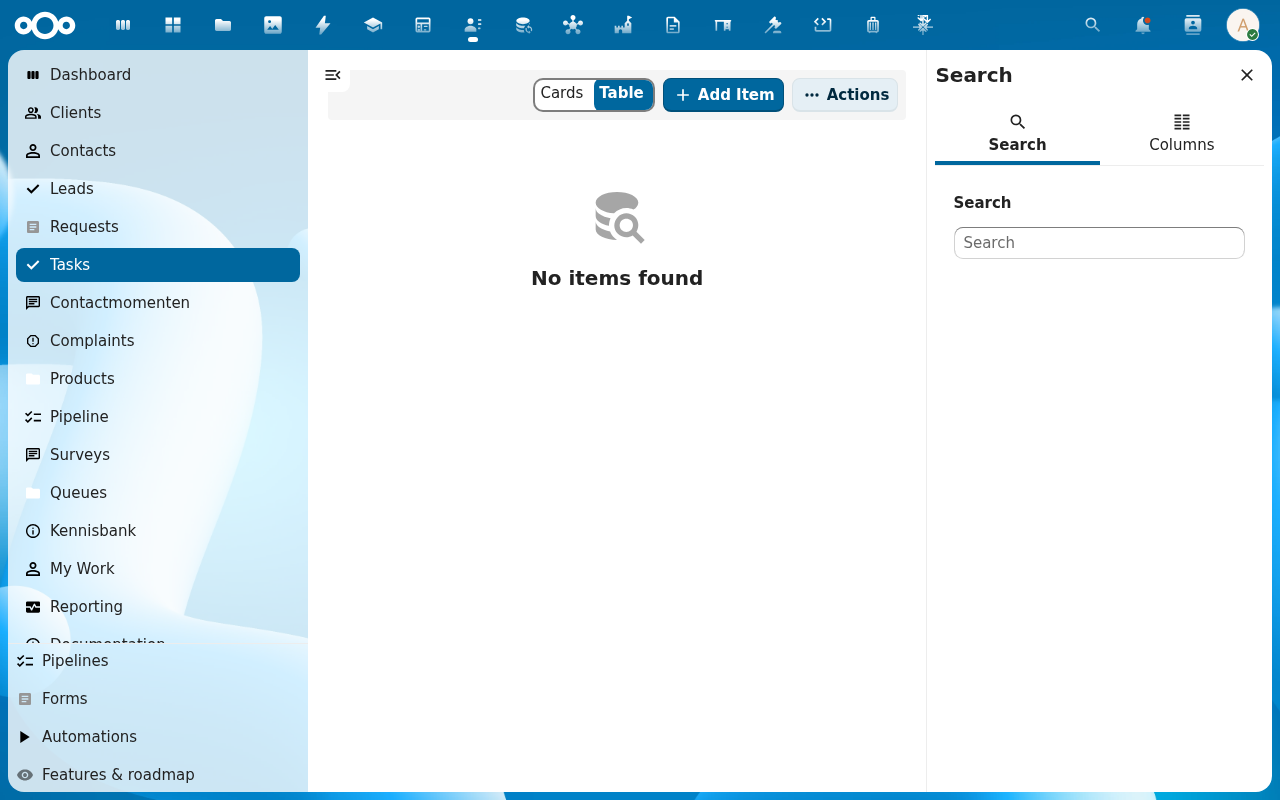
2. Open the Tasks tab on the client's sidebar and click + Add Item
Callbacks are a Task with type Callback (terugbelafspraak). They live on the Tasks sidebar tab (not on the timeline). The Add Item dialog has a Type picker; pick Callback to get the callback-specific fields.
3. Set when and who
- When: date and time to call back.
- Assignee: defaults to you; reassign to a colleague if needed.
- Note: what the call is about.
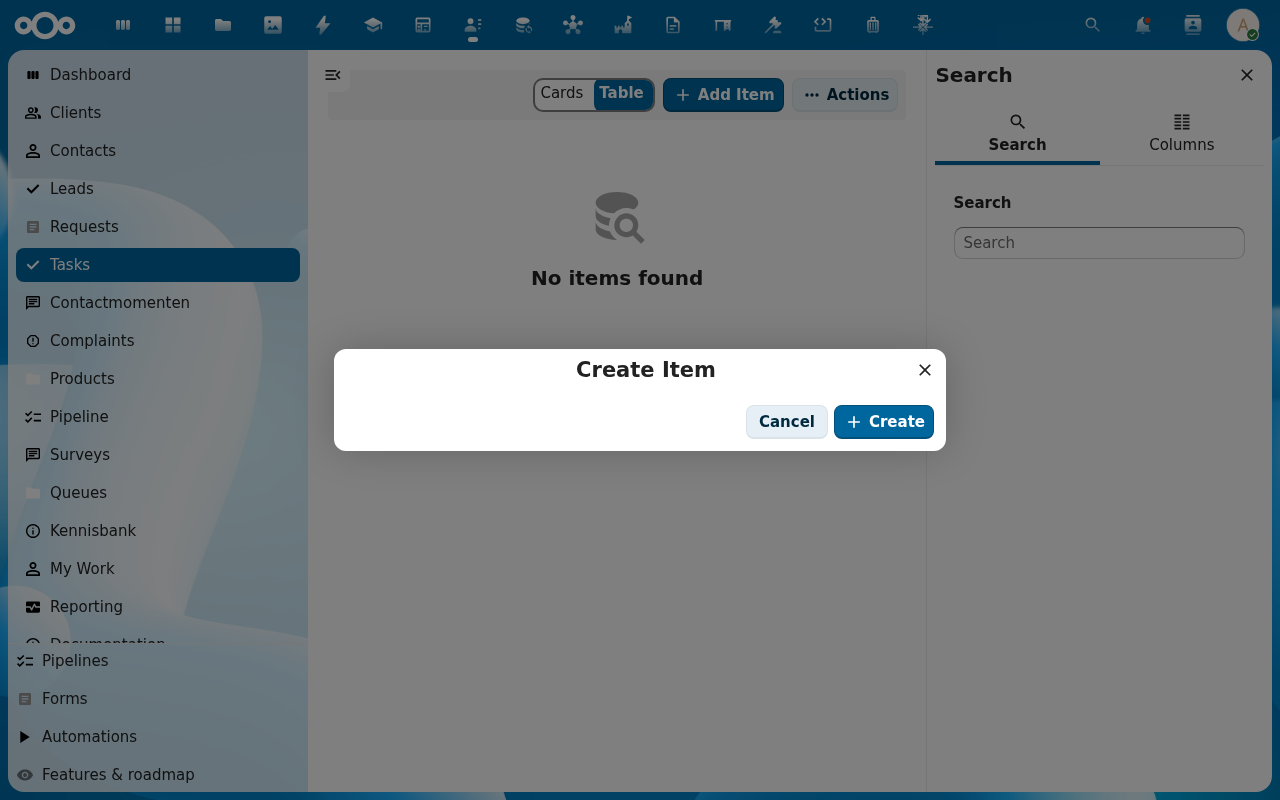
4. Save
The callback appears on the client's 360° view and in the assignee's My Work queue.
5. Work it off your queue
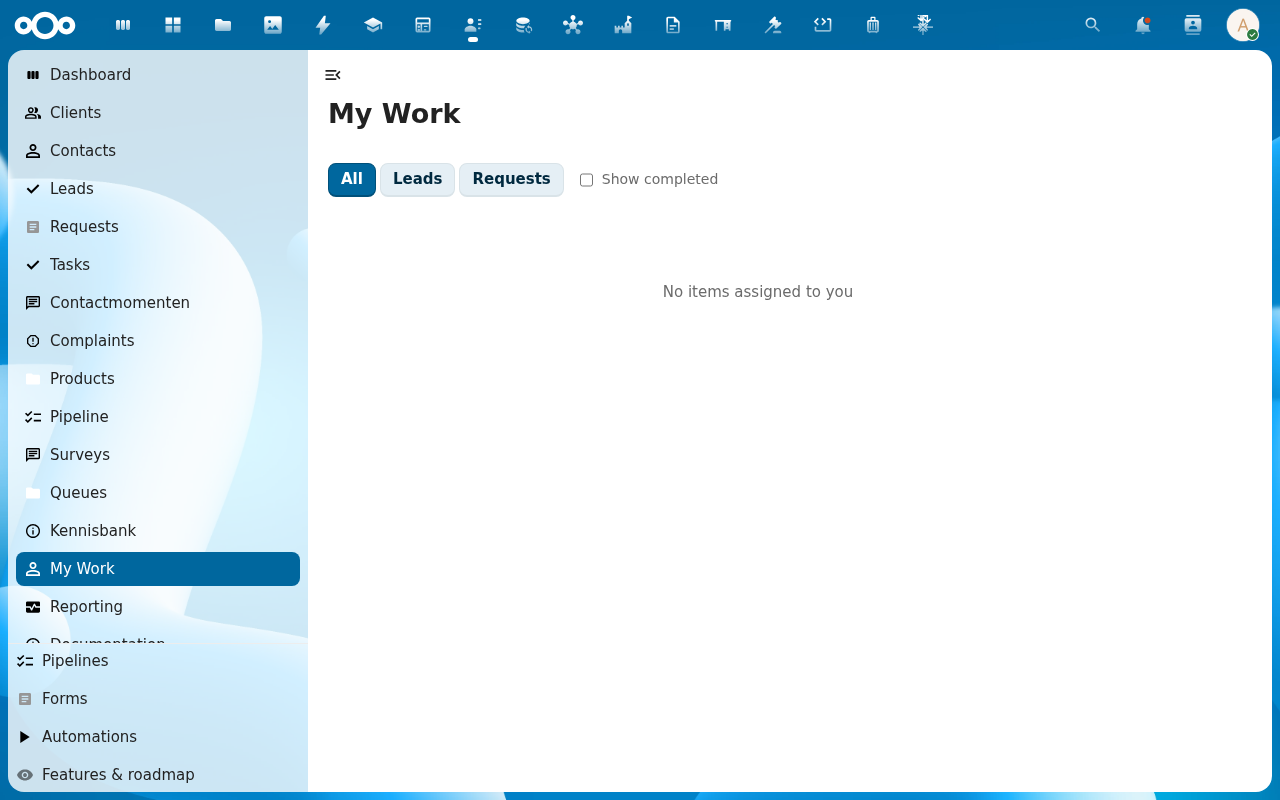
When the callback is due, open My Work, find it in the callbacks/tasks tab, make the call, then mark it Done, optionally logging a contact moment in the same step.
Verification
- The callback shows on the client's 360° view with the scheduled time.
- It appears in the assignee's My Work queue.
- After marking done, it drops off the queue and the client's history logs the completion.
Common issues
| Symptom | Fix |
|---|---|
| Callback doesn't appear in My Work | Check the assignee. If you reassigned it, it's in their queue, not yours. |
| No reminder fired | Notifications for callbacks must be enabled. See Notifications & activity feature reference. |