Register a complaint
A complaint (klacht) is a specific request type with its own intake form and a small handling workflow: acknowledge, investigate, resolve. Registering it in Pipelinq keeps the complaint on the client's history and on the right person's queue.
Goal
Register a complaint, route it to a handler, and verify it's tracked on the client and in the queue.
Prerequisites
- The complainant exists as a client (or you can quick-create one during intake).
- Admin has configured the complaint request type. See Configure CRM workflows and automation.
Steps
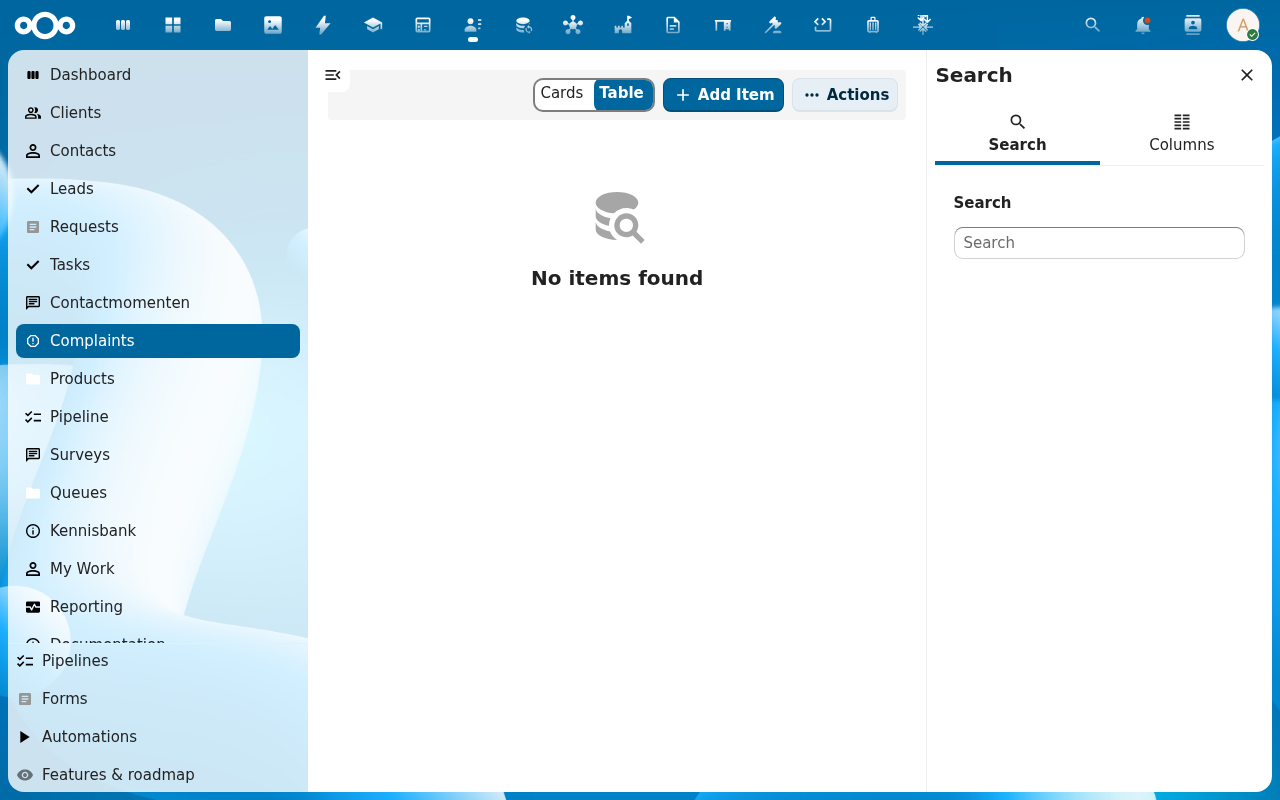
1. Open the Complaints list (or use the client's detail page)
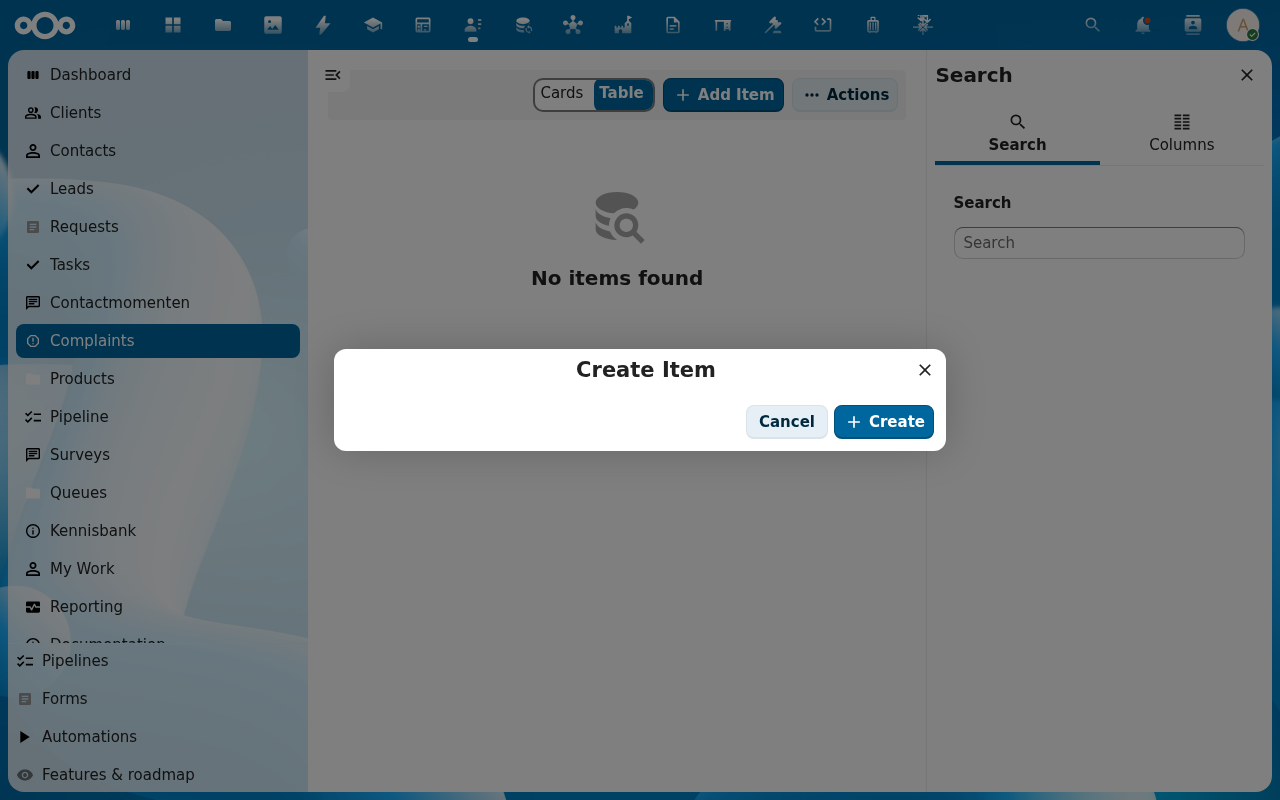
Pipelinq has a dedicated Complaints list in the left navigation: the canonical entry point. The standard + Add Item dialog opens the complaint intake form (the request-type is pre-set to Complaint). Alternatively, on a client's detail page open the Complaints tab and click Add Item there; the complainant is then pre-filled.
2. Choose Register complaint
3. Fill the complaint form
- From: the complainant; pick or quick-create.
- Subject + Description: what went wrong.
- Category: admin-configured (service, product, billing, communication, other), and Severity: low / medium / high / critical, driving the SLA clock.
- Channel: phone, email, web form, in person.
4. Submit and route
After save, the complaint enters the handling workflow at its first state. Assign a handler (or let automation route it).
5. Progress to resolution
The handler moves the complaint through the states (acknowledge, investigate, resolve), logging contact moments along the way. Closing it records the outcome.
Verification
- The complaint appears on the complainant's 360° view and history.
- It's in the handler's My Work queue at the correct state.
- On close, the resolution and outcome are recorded.
Common issues
| Symptom | Fix |
|---|---|
| No Register complaint option | The complaint request type isn't configured yet. See the admin automation guide. |
| Complaint isn't routed automatically | Routing automation isn't set up; assign the handler manually for now. |