Resolve a duplicate-detection warning
Pipelinq watches for two clients with similar names or matching emails and surfaces a warning when one looks like a duplicate of an existing record. The warning shows on the create form and on the existing client's banner.
Goal
Triage a duplicate warning: merge if it's the same client, keep both if not.
Prerequisites
- A duplicate warning is currently visible (i.e. you tried to create a likely-duplicate or one was flagged by a sync).
Steps
1. Read the warning details
The banner lists which existing client matches and on which fields (name, email, phone).
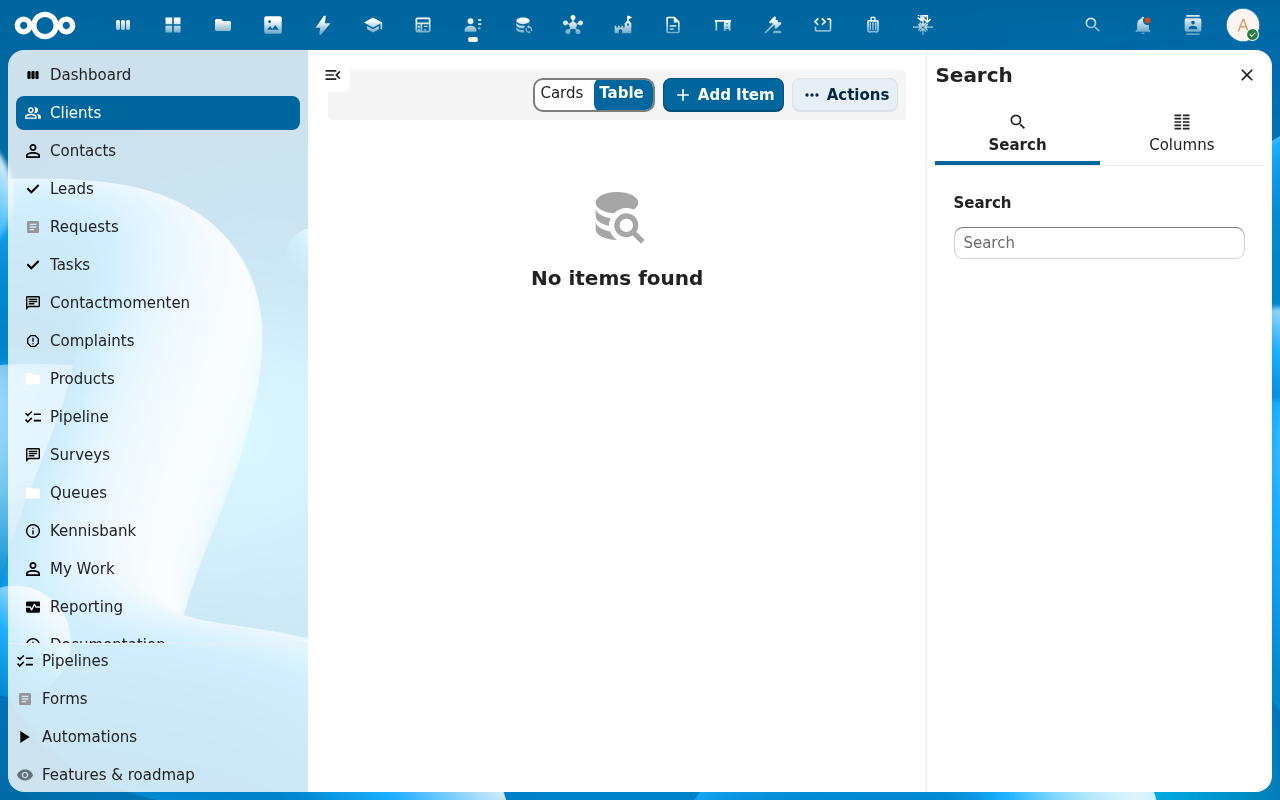
2. Pick an action
- Merge: combines the duplicate into the existing client. All linked leads, requests, contact moments move over. Destructive on the duplicate.
- Keep both: overrides the warning. Both records persist; the warning is suppressed for this pair.
- Cancel: discard the new record entirely.
3. Confirm
Merge opens a second dialog listing exactly what will move (linked leads, requests, contact moments, callbacks, tasks) and which client survives as the canonical record. Read the list, then click Confirm merge. The operation is logged in OpenRegister's audit trail; the duplicate's record is soft-deleted (recoverable from the OpenRegister admin if needed) but the merge itself cannot be undone in one click.
Verification
- Merged: only one client remains; its history shows the merge event.
- Kept both: both records exist; warnings on this pair stay suppressed.
- Cancelled: the new record is gone.
Common issues
| Symptom | Fix |
|---|---|
| Merge button is disabled | You don't have edit-permission on the existing client. Ask its assignee. |
| Warning re-appears after kept-both | A different field matched on a later edit. Re-trigger keep-both. |