Link a contact person to an organisation
A contact person is a real human you talk to inside an organisation. Linking them to the org keeps the relationship visible everywhere the org appears: leads, requests, contact moments, the full history.
Goal
Link an existing person to an existing organisation, picking the role that fits.
Prerequisites
- Both the person and the organisation already exist as clients.
- You can edit either record.
Steps
1. Open the organisation's detail page
From Clients → Organisations, click the org row.
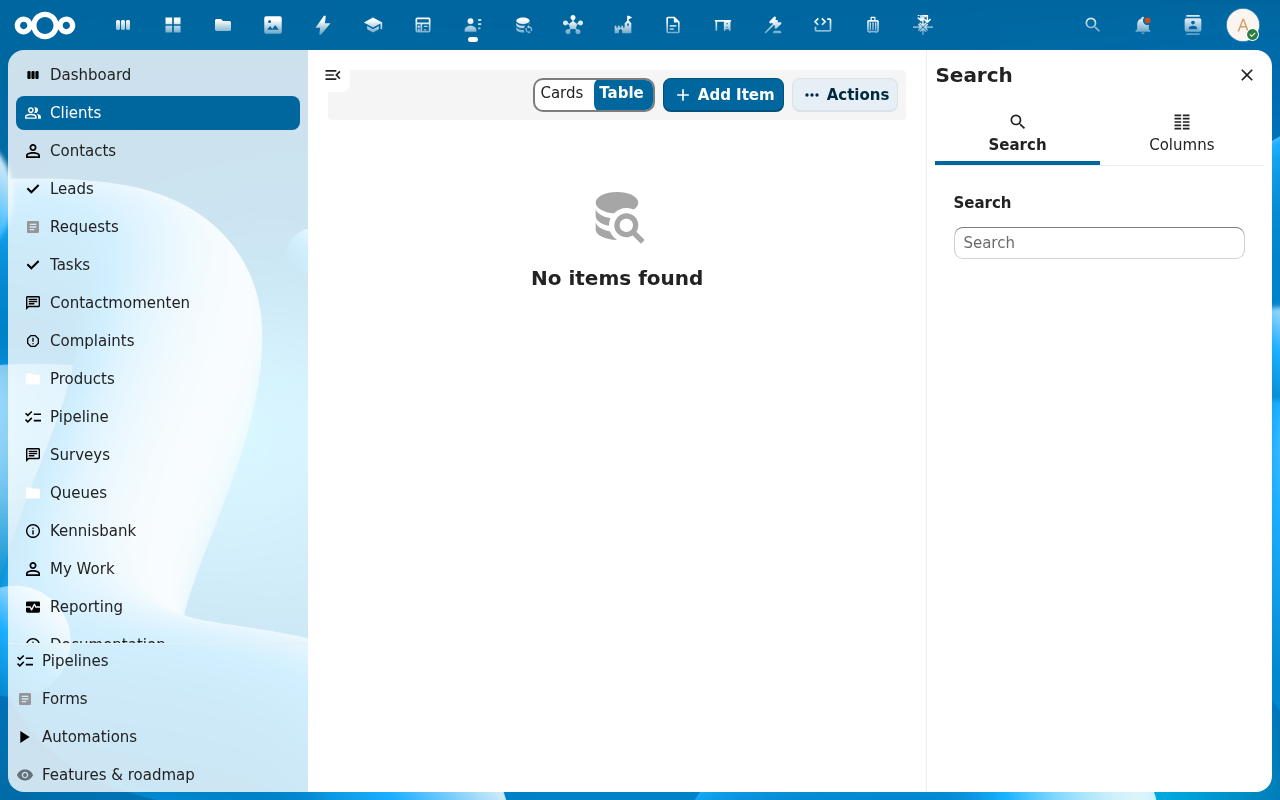
2. Open the Contacts tab on the organisation's sidebar
The detail view's right-hand sidebar carries one tab per linked record type: Contacts, Leads, Requests, Contactmomenten, Tasks, History. Pick Contacts.
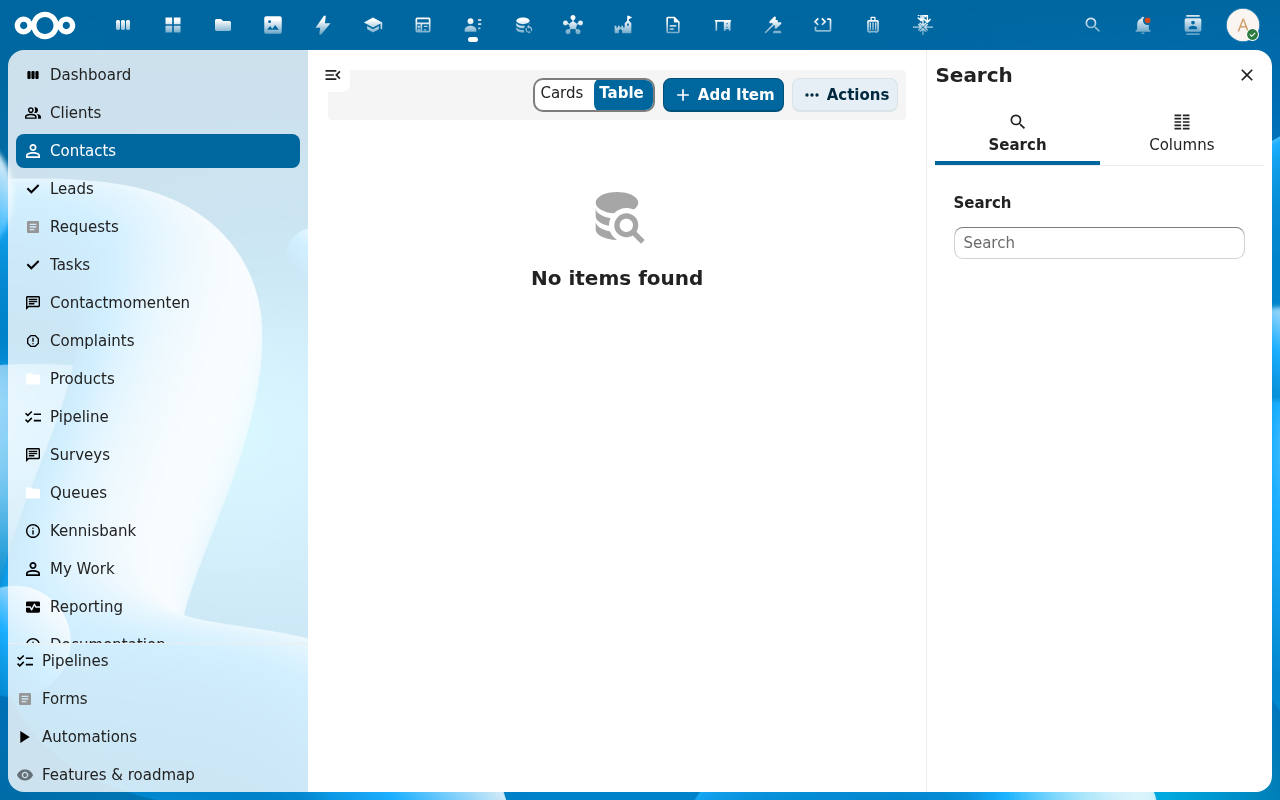
3. Click + Link person
The link picker opens.
4. Pick the person + role
Roles ship with sensible defaults: Contact, Sales manager, Account manager, Project lead, Technical contact, Billing contact, Decision maker. An admin can add custom roles per organisation type from Administration settings → Pipelinq.
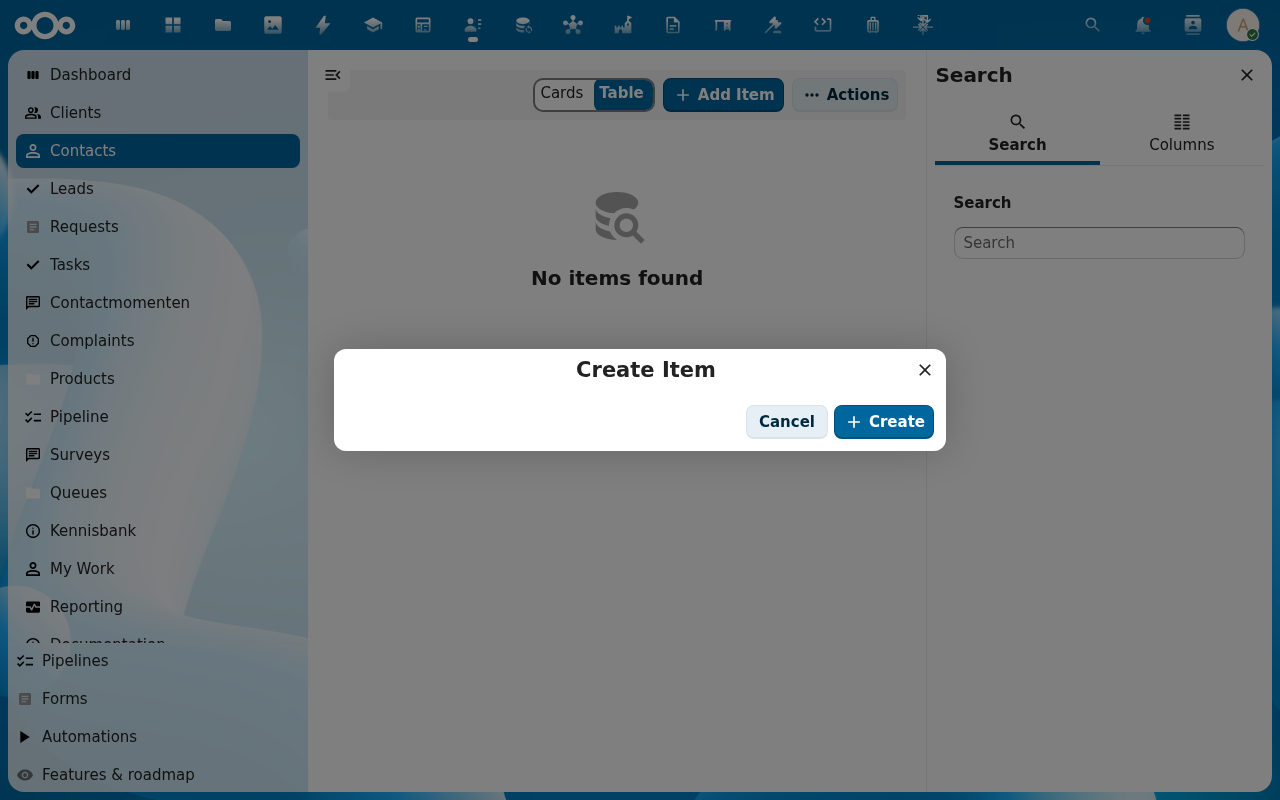
5. Save
The person appears in the org's Contact persons tab. The org also appears under that person's Linked organisations tab.
Verification
- The person shows on the org's contact-persons list.
- The org shows on the person's linked-organisations list.
- Both directions persist across reloads.
Common issues
| Symptom | Fix |
|---|---|
| Person doesn't appear in the picker | They might not exist as a client yet. See Add a new client. |
| Wrong role assigned | Click the role label on the link row to edit. No need to unlink and re-link. |