Open Pipelinq for the first time
The first time you open Pipelinq, you land on the Sales overview dashboard — revenue, pipeline coverage, and win performance at a glance. An admin can switch the default landing page to My Work (your personal queue of leads, requests, and follow-ups) under Manage Pipelinq settings.
Goal
Recognise the parts of the Pipelinq workspace and know where to find the actions you'll use in every other tutorial.
Prerequisites
- Pipelinq is installed and enabled by your administrator.
- You have at least read access to the org's clients and pipelines.
Steps
1. Click the Pipelinq icon in the Nextcloud app launcher
Or visit /apps/pipelinq/ directly. The workspace renders with the Sales overview dashboard front and centre, and the grouped navigation down the left.
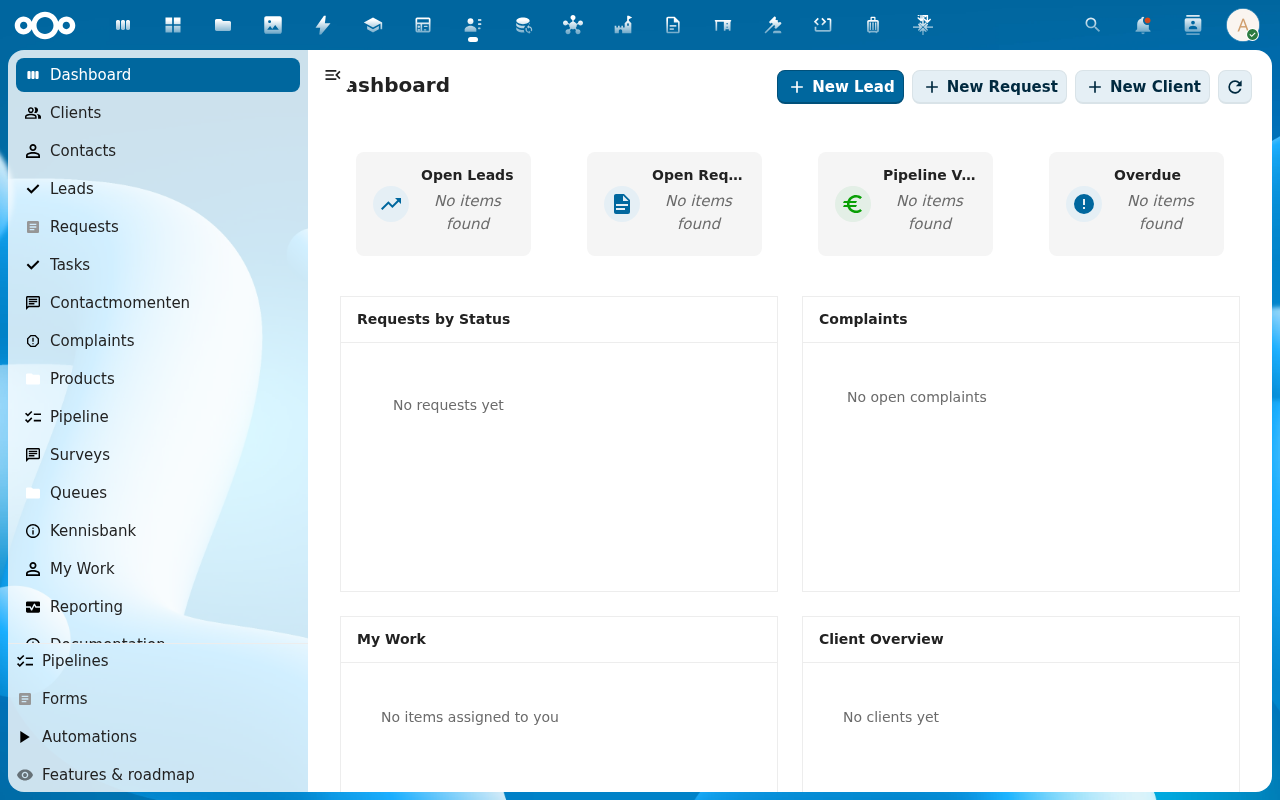
2. Scan the navigation
The left navigation is organised into collapsible sections, each grouping the pages for one part of the business. Click a section header to expand it:
- Customer Support — the support workplace, requests, complaints, and contact moments.
- Sales — the Sales dashboard, Clients, Contacts, Leads, the Pipeline board, Pipelines, and contracts/forecast.
- Operational — the operational dashboard, Tasks, My Work, and Queues.
- Point of Sale — register transactions, refunds, cash shifts, Z-reports, and POS staff/roles.
- Product catalog — products and catalog management.
- Marketing — segmentation, blasts, and campaign analytics.
- Reports & Compliance — analytics dashboards and BI export jobs.
- Messaging (WhatsApp/SMS) — outbound messaging channels.
Below the sections sit Documentation, Features & roadmap, and the Settings cog. Sections only appear if the matching feature is enabled and you have access, so your menu may show fewer than the full set.
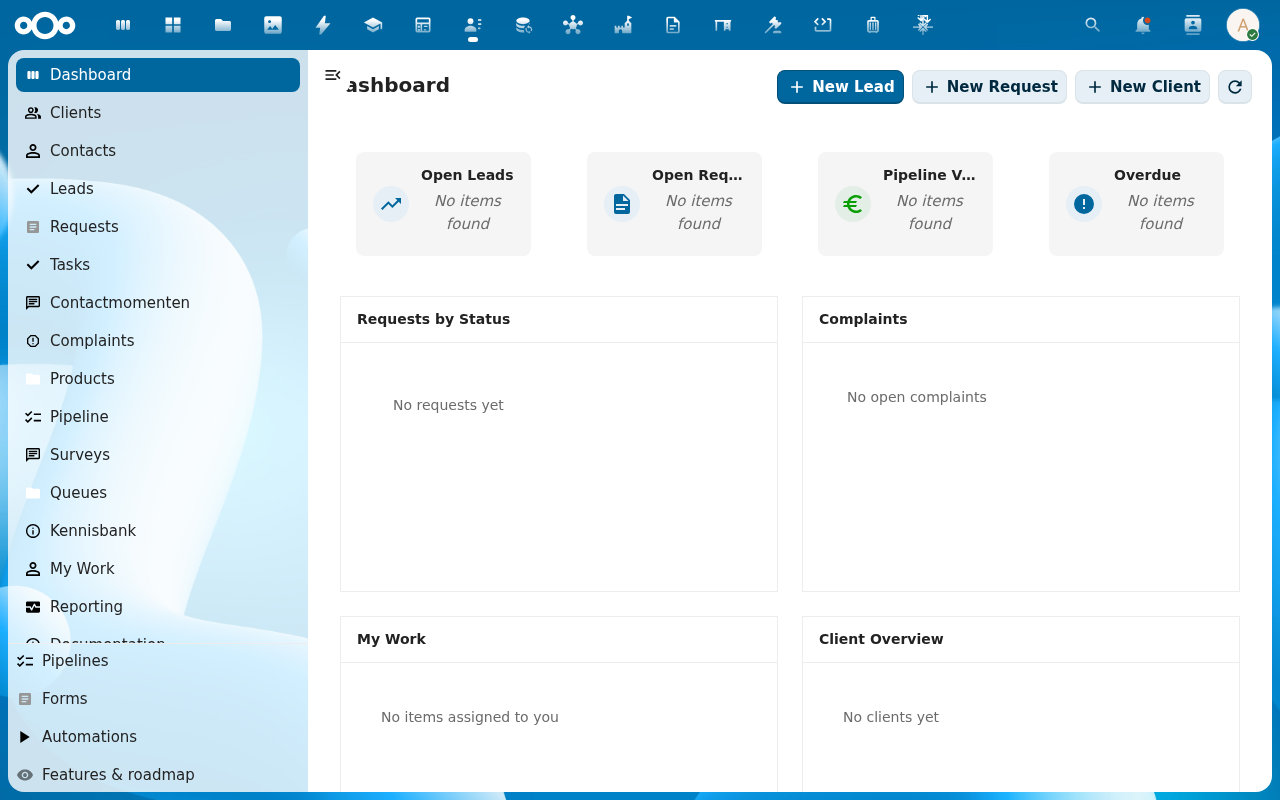
3. Open the global search
The unified-search icon in the Nextcloud top bar (magnifying glass) searches across clients, leads, requests, and contact moments. Pipelinq registers each as a search provider so a single query surfaces matches from every record type.
Verification
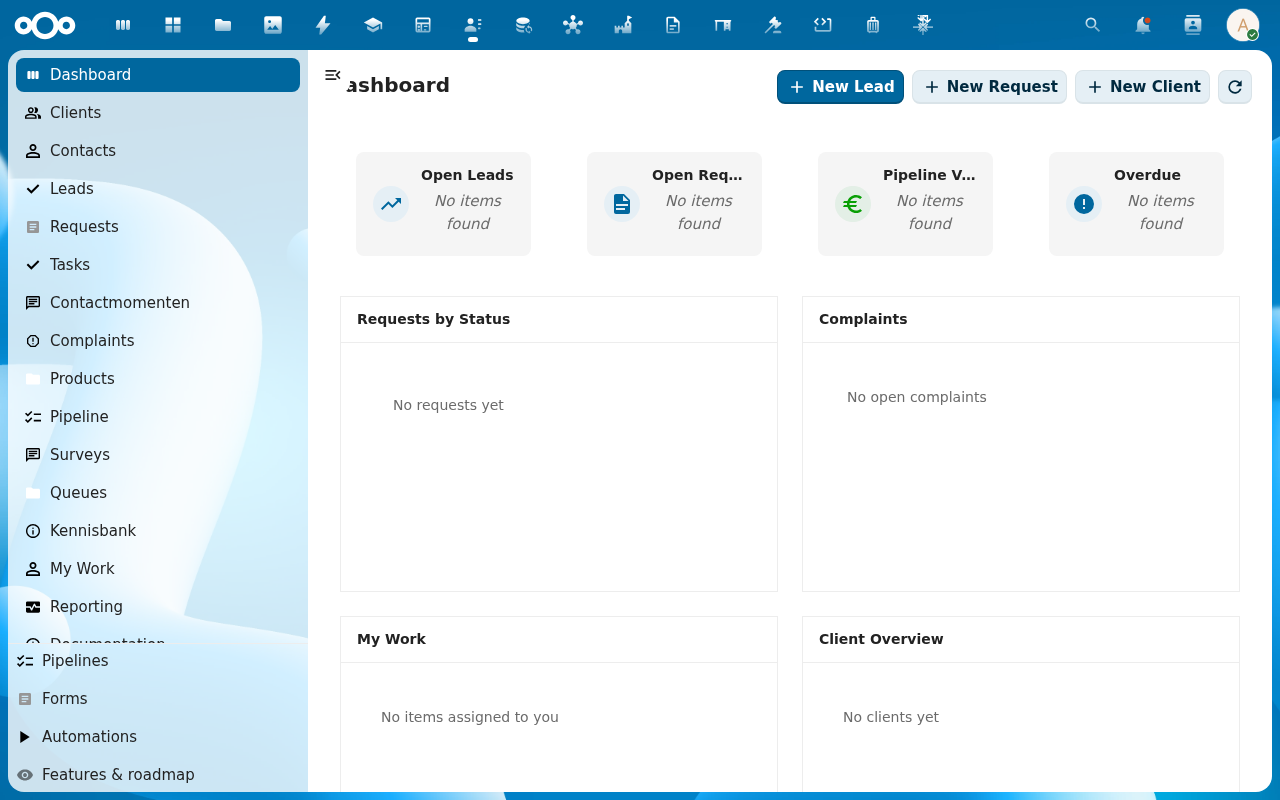
- The Sales overview dashboard is visible with its KPI cards and charts (or the My Work queue, if your admin set that as the default landing page).
- The left navigation shows the collapsible sections (Sales, Operational, and any others enabled for you).
Common issues
| Symptom | Fix |
|---|---|
| Pipelinq isn't in the app launcher | Ask an admin to enable the app at Settings → Apps. |
| The dashboard widgets all read No items found | Expected on a fresh install. They fill in as you add clients, leads, and requests. |
| Lists load but the Add Item dialog has no form fields | The Pipelinq register has not been imported. See Manage Pipelinq settings. |