Manage Pipelinq settings
Beyond pipelines, request workflows, permissions, and sync, the Pipelinq admin page holds the global settings: which OpenRegister register and schemas back the app, default landing page, retention and notification defaults, and the integration toggles. This tutorial is the orientation tour.
Goal
Find the Pipelinq admin settings page, confirm the OpenRegister wiring, and review the global options.
Prerequisites
- You're a Nextcloud admin AND have Pipelinq's admin permission.
- OpenRegister is installed (Pipelinq stores its data there).
Steps
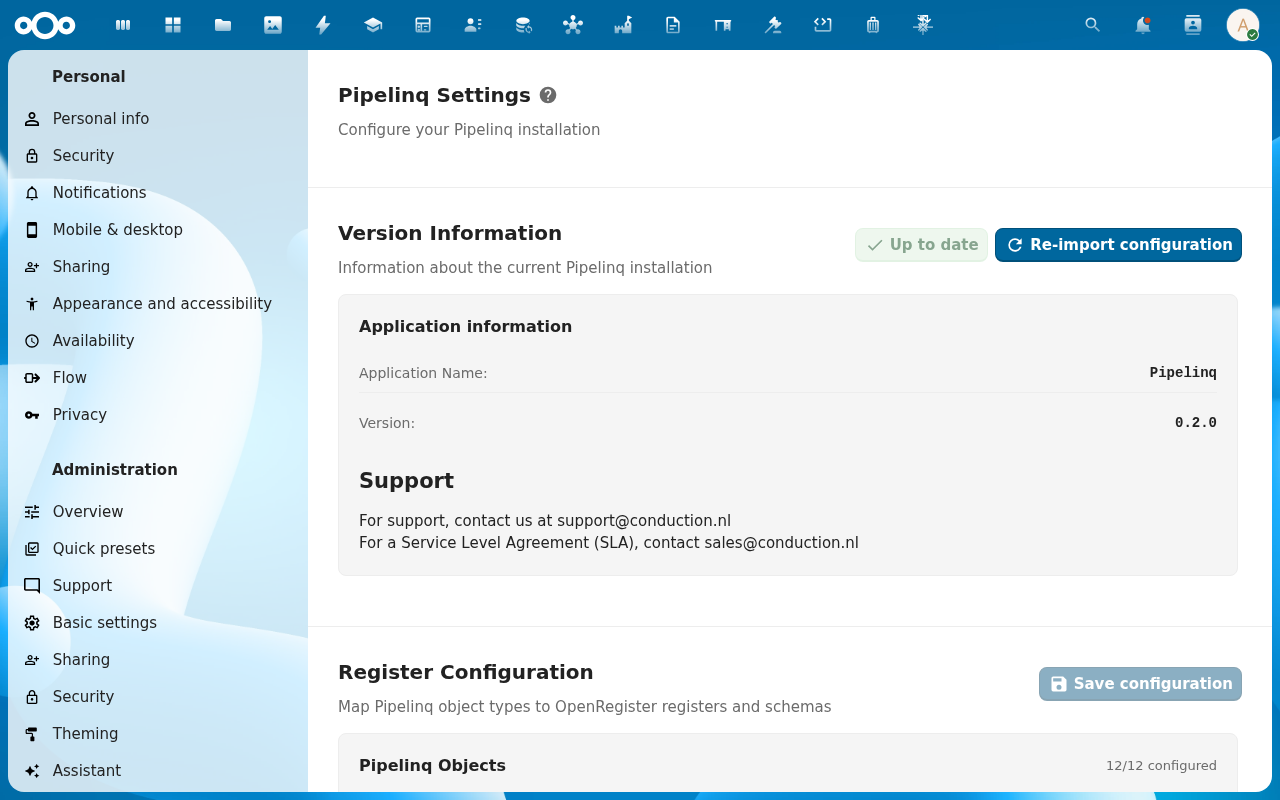
1. Open Pipelinq admin settings
Settings menu → Administration settings → Pipelinq.
2. Check the OpenRegister wiring
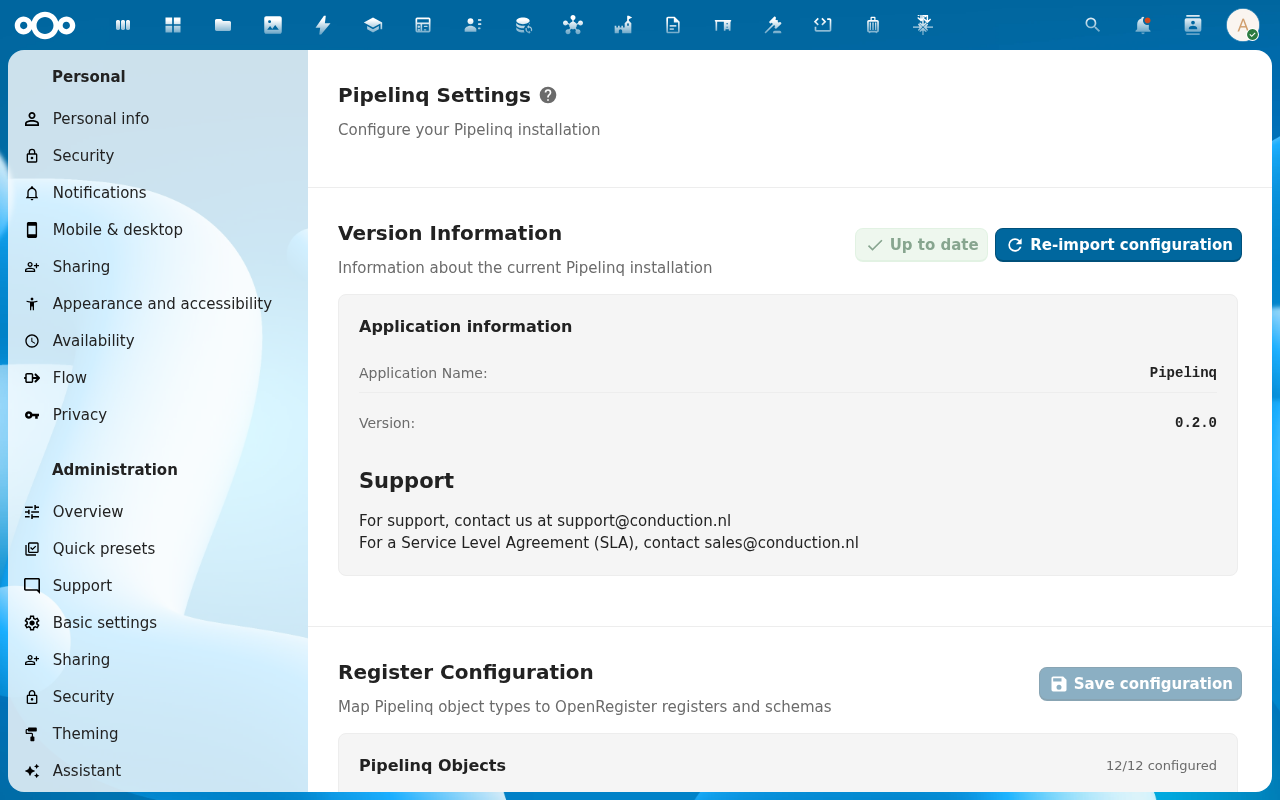
The Register Configuration section is the second block on the page. The Register dropdown picks which OpenRegister register backs Pipelinq. The sensible default is the auto-imported Pipelinq register, created by the first-run Re-import configuration action. Below the register dropdown, individual schema dropdowns map each data type (Client, Contact, Lead, Request, Pipeline, Stage, Contactmoment, Task, Complaint, Product) onto its schema. Schemas auto-fill from the chosen register; only override when running a non-standard register layout.
3. Review global options
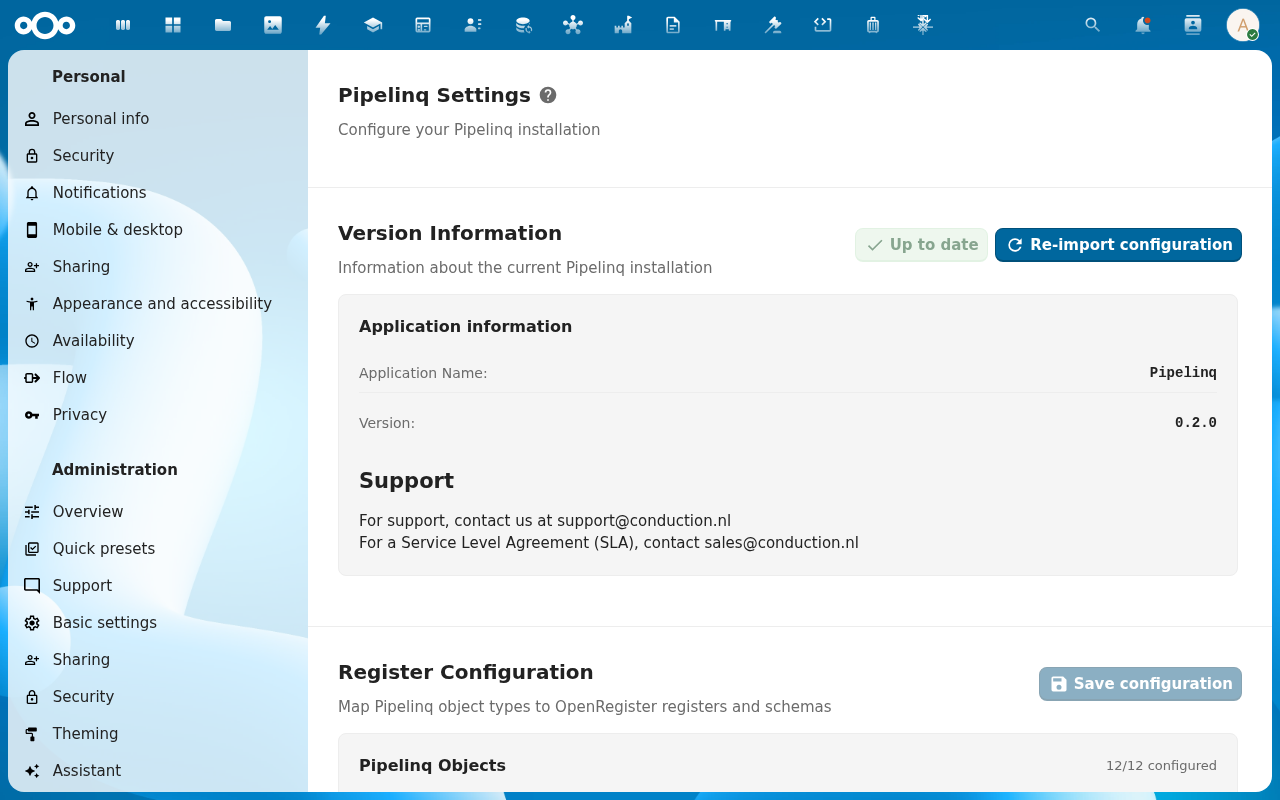
The Pipelinq Settings section at the top of the page holds the global toggles: Default landing page (Dashboard vs. My Work), Default pipeline (which pipeline new leads land on), Notification defaults (in-app on / off, email on / off; users can override per-account), Activity retention (how long the activity timeline keeps closed records, default forever), and the integration toggles (Contacts sync, Calendar sync, Email integration, n8n webhooks, Metrics/Prometheus endpoint).
4. Save
Changes apply immediately for all users on their next page load.
Verification
- The configured register exists in OpenRegister and contains the Pipelinq schemas.
- A regular user's landing page matches the default you set.
- Disabling an integration toggle hides the related UI for users.
Common issues
| Symptom | Fix |
|---|---|
| Pipelinq pages are empty / error | The register or schemas aren't created. Re-run the Pipelinq setup, or pick an existing register here. |
| Settings page is blank for an admin | They have the Nextcloud admin role but not Pipelinq's own admin permission. Grant it under Manage user / group permissions. |