Manage user / group permissions
Pipelinq permissions are layered on top of Nextcloud groups. A user's role is derived from group membership; your job as admin is to map groups to roles.
Goal
Map a Nextcloud group to a Pipelinq role and verify the right capabilities are granted.
Prerequisites
- You're a Nextcloud admin with Pipelinq's admin permission.
- The target Nextcloud group already exists.
Steps
1. Open Pipelinq admin settings
Settings menu → Administration settings → Pipelinq.
2. Go to Agent Profiles
Permissions are managed via the Agent Profiles section on the admin page. Each agent profile maps a Nextcloud group onto a role + scope; users inherit the most-permissive profile they qualify for across all their groups.
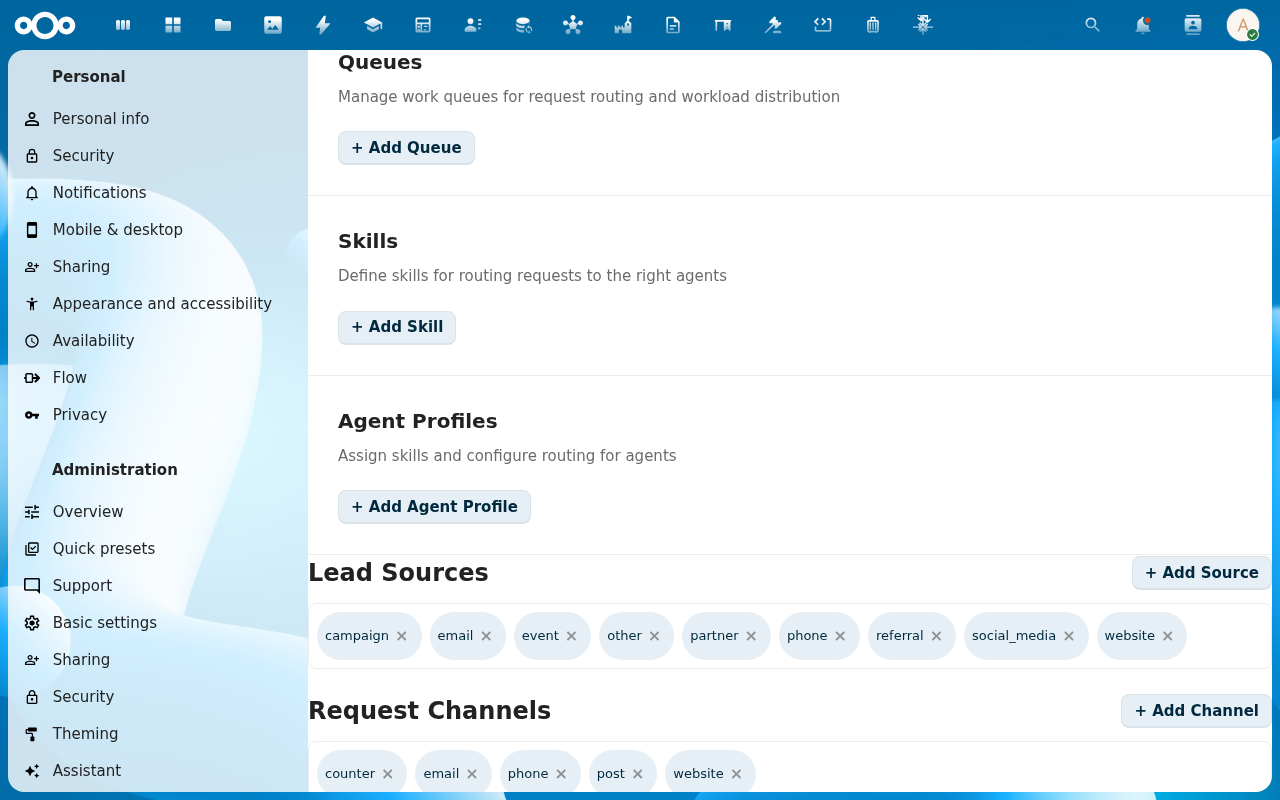
3. Add a role mapping
For each role:
- Group: the Nextcloud group ID.
- Role:
viewer/editor/manager/admin(verify exact role names against the actual UI). - Scope: own / team / all-org.
Role matrix:
| Role | Read | Create | Edit | Delete | Admin settings |
|---|---|---|---|---|---|
| viewer | own scope | n/a | n/a | n/a | n/a |
| editor | own scope | clients, leads, requests, contact moments, callbacks | own records | n/a | n/a |
| manager | team scope | everything editor can | team's records | own records | n/a |
| admin | all-org | everything | everything | everything | yes |
Scope semantics: own = records you created or are assigned to, team = records belonging to anyone in your queue, all-org = every record in the register.
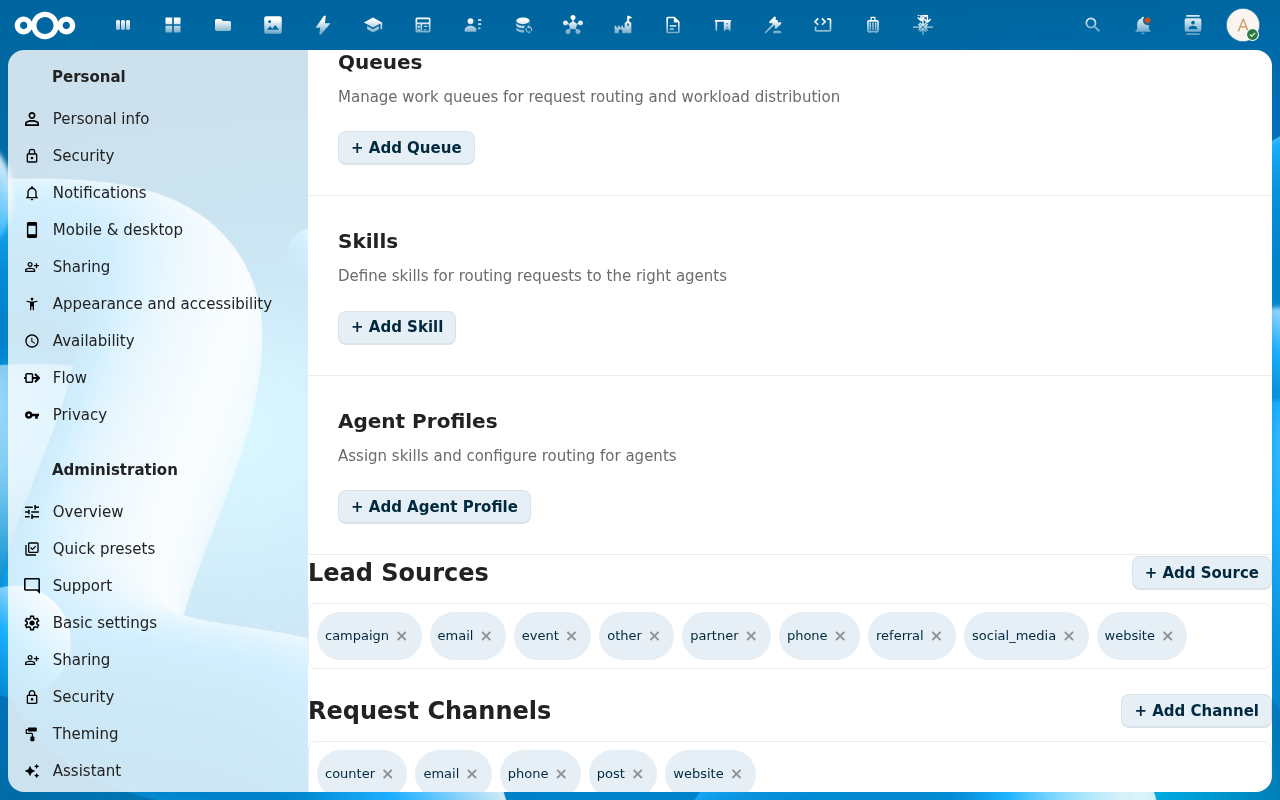
4. Save and verify
Log in as a member of the assigned group and confirm:
- Capabilities granted (e.g. can create clients, can see other users' leads).
- Capabilities denied (e.g. cannot delete a record, cannot see admin settings).
Verification
- Member sees the right list of clients / leads / requests for their scope.
- Role label appears in their profile area (if the UI surfaces it).
Common issues
| Symptom | Fix |
|---|---|
| Member doesn't get the new permission | Reload n/a permissions are cached on initial state. |
| Conflicting roles across multiple groups | The most-permissive role wins. There's no priority order. |