Connect contacts and calendar sync
Pipelinq can keep its clients aligned with Nextcloud Contacts address books and surface callbacks in Nextcloud Calendar. As an admin you choose which address books and calendars are eligible and how conflicts are resolved; individual users then opt in per the user sync tutorial.
Goal
Enable contacts sync against one or more address books and turn on calendar sync for callbacks.
Prerequisites
- You're a Nextcloud admin AND have Pipelinq's admin permission.
- The Nextcloud Contacts and Calendar apps are installed and enabled.
Steps
1. Open Pipelinq admin settings
Settings menu → Administration settings → Pipelinq.
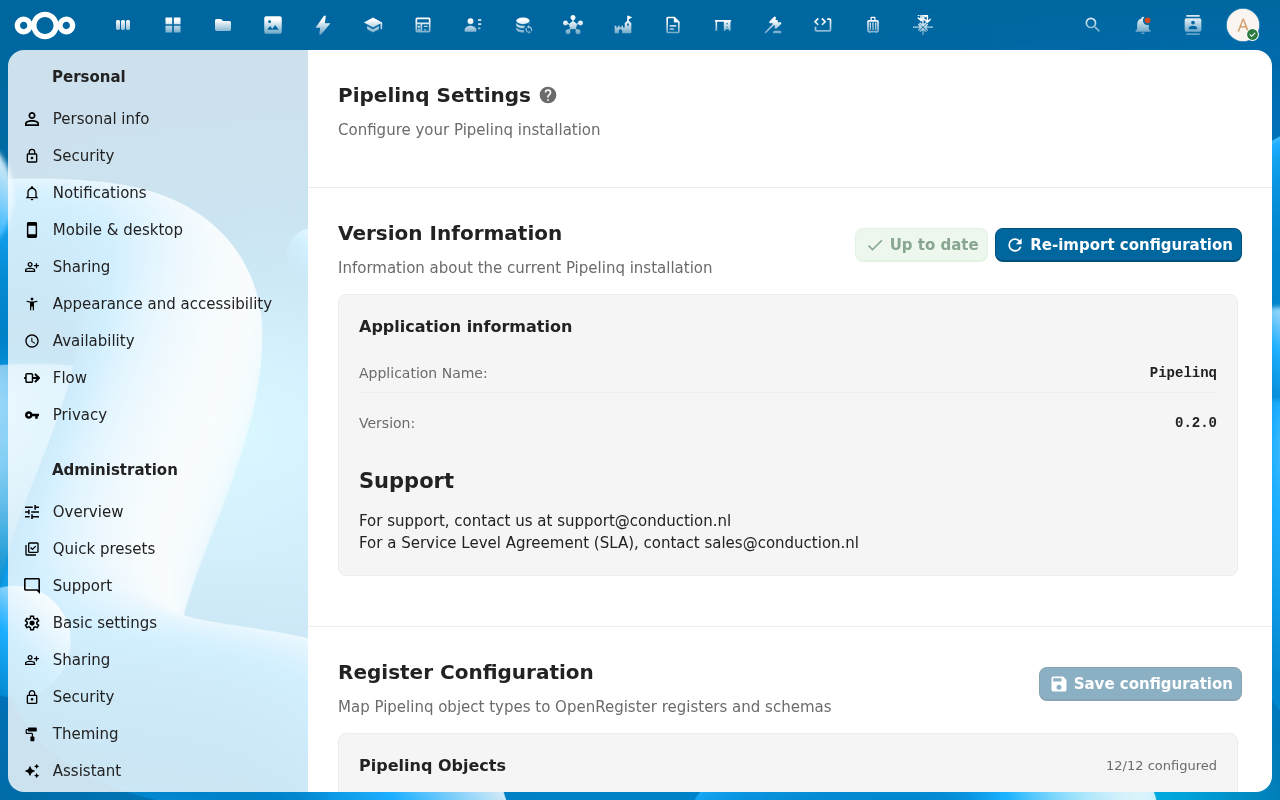
2. Scroll to Pipelinq Settings → Sync integrations
The integration toggles live on the Pipelinq Settings section at the top of the admin page (above the Register Configuration block). The two toggles you need are Enable Contacts sync and Enable Calendar sync.
3. Choose eligible address books
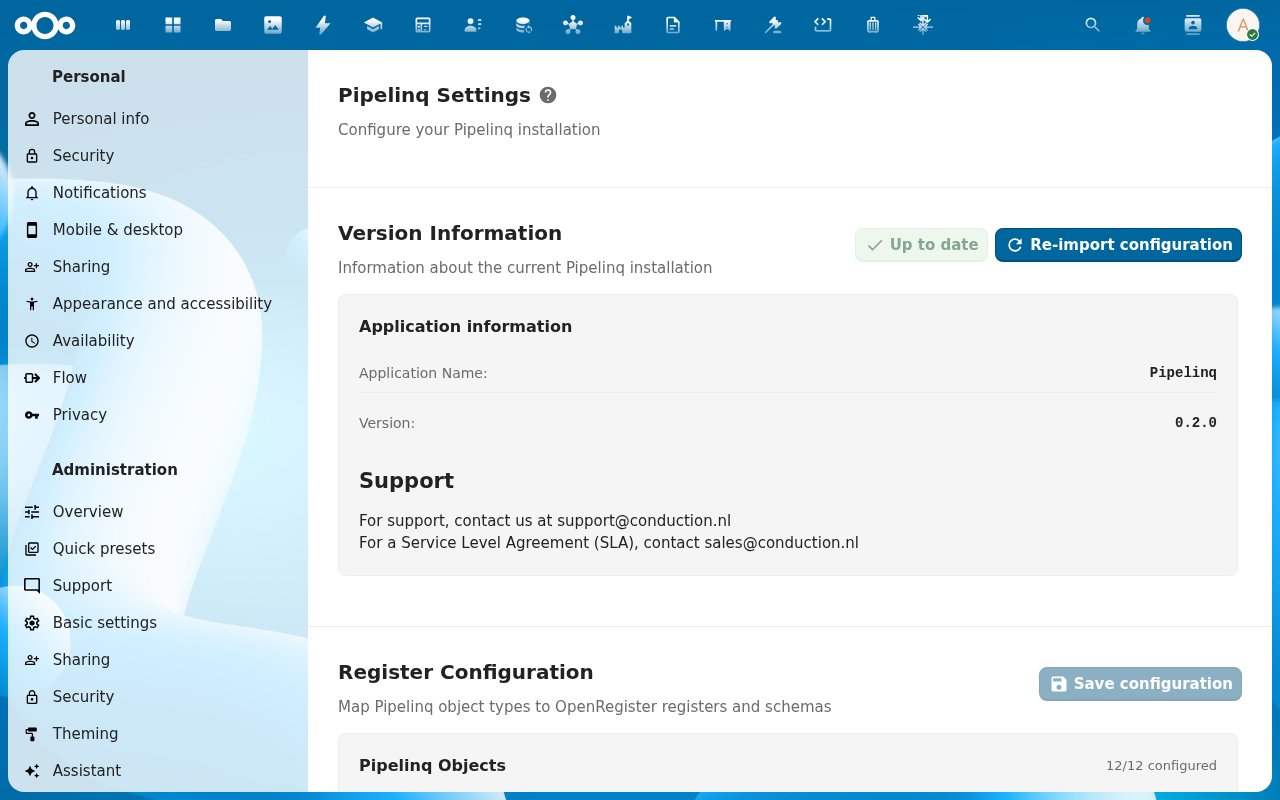
The address-book picker lists every address book on the Nextcloud instance. System address books (org-wide, available to all users) appear in the top group; user address books (per-account) in the bottom group. Sync is bidirectional by default: a contact created in Nextcloud Contacts appears in Pipelinq, and a client created in Pipelinq appears in the configured address book. Dedupe is by email-first then name-similarity; matching contacts are merged rather than duplicated. To opt out a book, leave it unchecked.
4. Enable calendar sync for callbacks
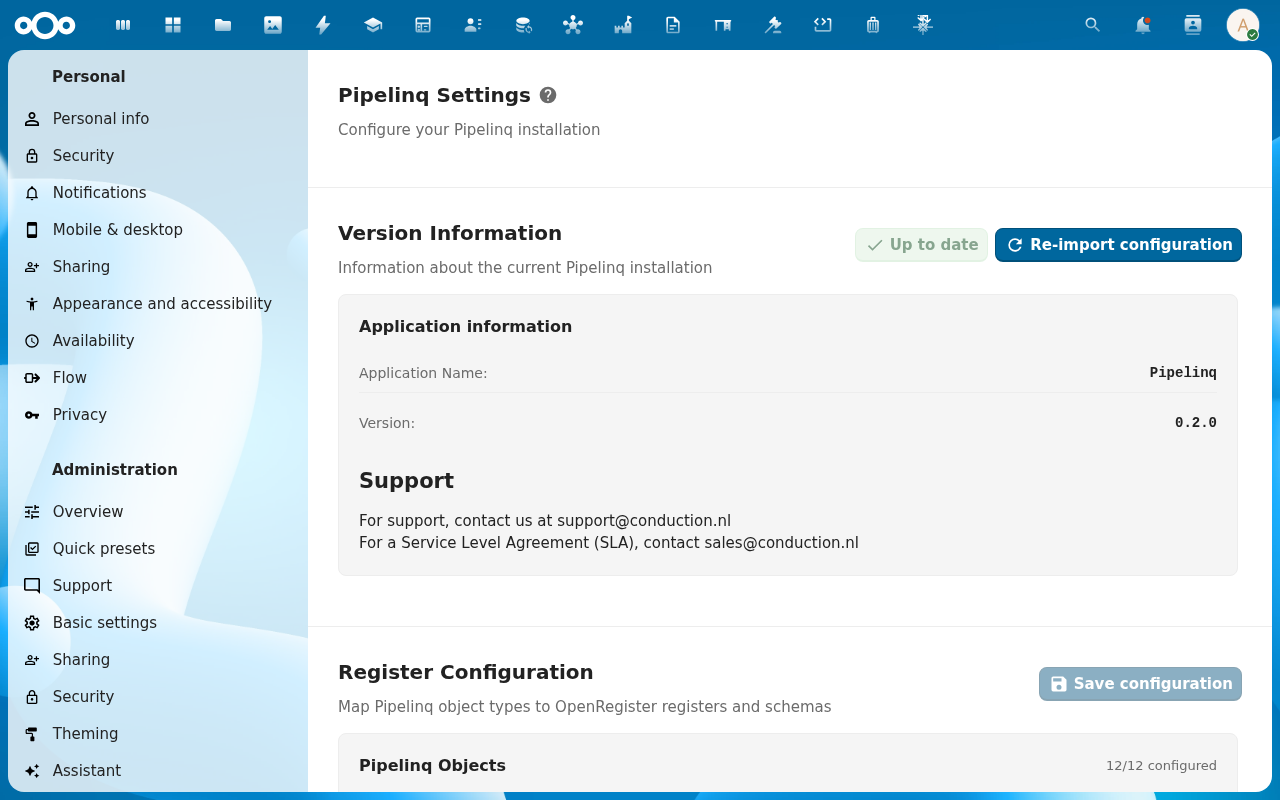
Pick the target calendar from the Callback calendar dropdown. You have two patterns. Per-user: each callback lands in the assignee's personal Pipelinq callbacks calendar (auto-created on first sync), which keeps personal calendars uncluttered for non-assignees. Shared: every callback lands in one org-wide calendar (pick an existing system calendar). The default is per-user; switch to shared when the org runs a centralised KCC where every agent sees every callback.
5. Save
Users can now enable contacts sync from their own settings, and new callbacks appear in the configured calendar.
Verification
- A user enables sync (see Sync with Nextcloud Contacts) and their clients map to the chosen address book.
- Creating a callback adds an event to the configured calendar.
- The duplicate-detection warning fires when a sync would create a clone. See Resolve a duplicate.
Common issues
| Symptom | Fix |
|---|---|
| No address books listed | The Contacts app isn't enabled, or the admin account has no access to any address book. |
| Callbacks don't appear in the calendar | The Calendar app isn't enabled, or the selected calendar is read-only for the assignee. |