pipeline
Status: Implemented
Overview
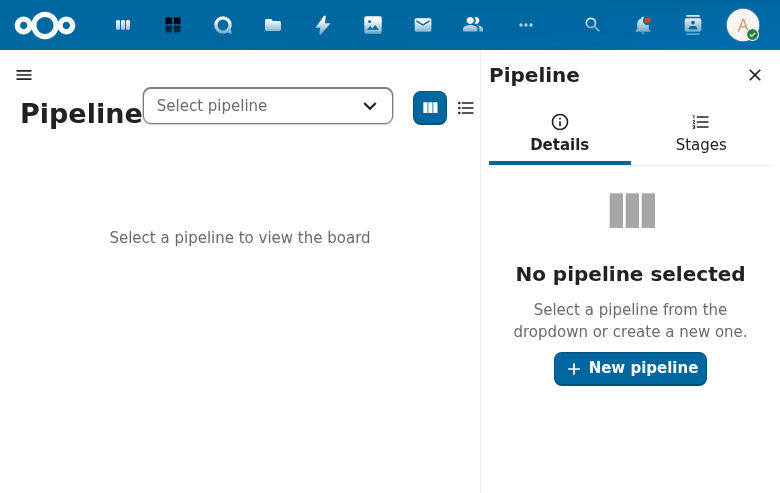
Pipelines provide configurable kanban-style boards where leads and requests flow through ordered stages. A pipeline is comparable to Trello boards or Nextcloud Deck -- each pipeline has columns (stages) and cards (leads/requests). Both entity types can appear on the same pipeline, distinguished by v
Stage limits
Give a stage a limit, say eight deals in Proposal, to keep work in that stage within reach.
- Open the pipeline editor and set Limit on an open stage. Leave it empty for no limit. Closed stages (won, lost) take no limit, so closing a deal is never blocked.
- The board's column header then shows the count against the limit, for example 3 / 8. A full column is marked.
A move into a full stage is refused with a message that names the stage, for example "Stage Proposal is full (8 of 8)". The card stays in its old column. The same rule holds for the edit form, a new item and the API. Moving an item out of a full stage, or editing it without changing its stage, always works.
A limit set below the current count moves nothing out. The column then shows, for example, 10 / 8 until enough items leave.
Screenshot
Specification
Full specification: openspec/specs/pipeline/spec.md
Related Files
- Spec:
openspec/changes/pipeline/specs/pipeline/spec.md - Design:
openspec/changes/pipeline/design.md - Tasks:
openspec/changes/pipeline/tasks.md